You take a puff from your RAZ Vape, but nothing happens. If your RAZ Vape is not hitting, you are not alone. This is one of the most common issues users experience, and in most cases, it can be fixed in just a few simple steps.
A RAZ Vape may stop hitting due to a low battery, blocked airflow, an empty e-liquid tank, a locked vape, or a temporary safety cutoff. Before replacing your vape, try a few quick checks, such as charging it properly, opening the airflow, checking the screen indicators, and letting the device rest.
We help customers with RAZ Vape troubleshooting questions every day. Since we are a reseller, not the manufacturer, this guide is based on common issues we see with customer vapes. Below, you will find the most common reasons your RAZ Vape is not hitting, step-by-step fixes, and model-specific troubleshooting tips.
Quick Answer: How to Fix a RAZ Vape Not Hitting
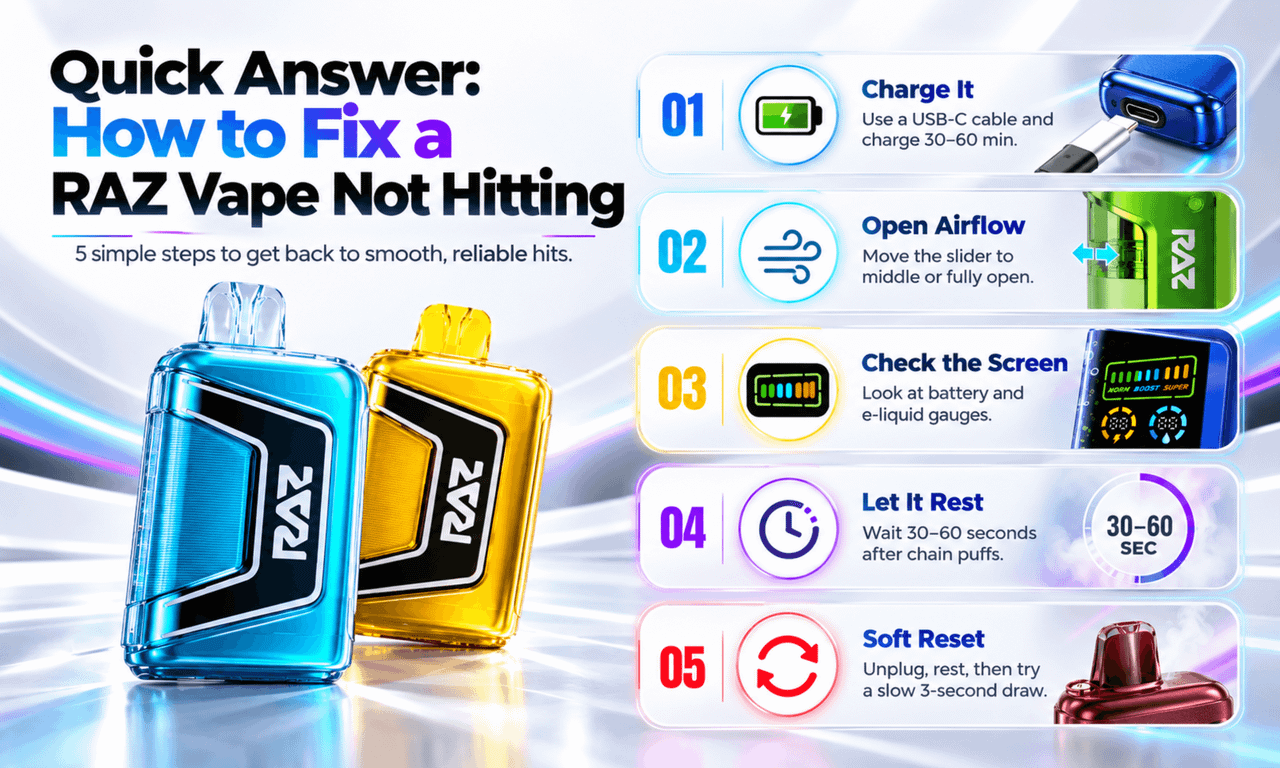
Work through these five checks in order. Each one takes less than two minutes.
- Charge it: Plug in a USB-C cable and a 5V wall adapter. Wait at least 30 minutes.
- Open the airflow: Move the airflow slider to the middle or fully open position.
- Check the screen: Look at the battery and e-liquid gauges. An empty e-liquid gauge means the vape is done.
- Let it rest: Chain puffing can trigger a safety cutoff. Wait 30 to 60 seconds.
- Soft reset: Unplug the vape, rest it for a few minutes, then try a slow, three-second draw.
If none of these work, the vape may have a factory fault. Contact the store you bought it from.
Explore Our Categories


What "Not Hitting" Looks Like
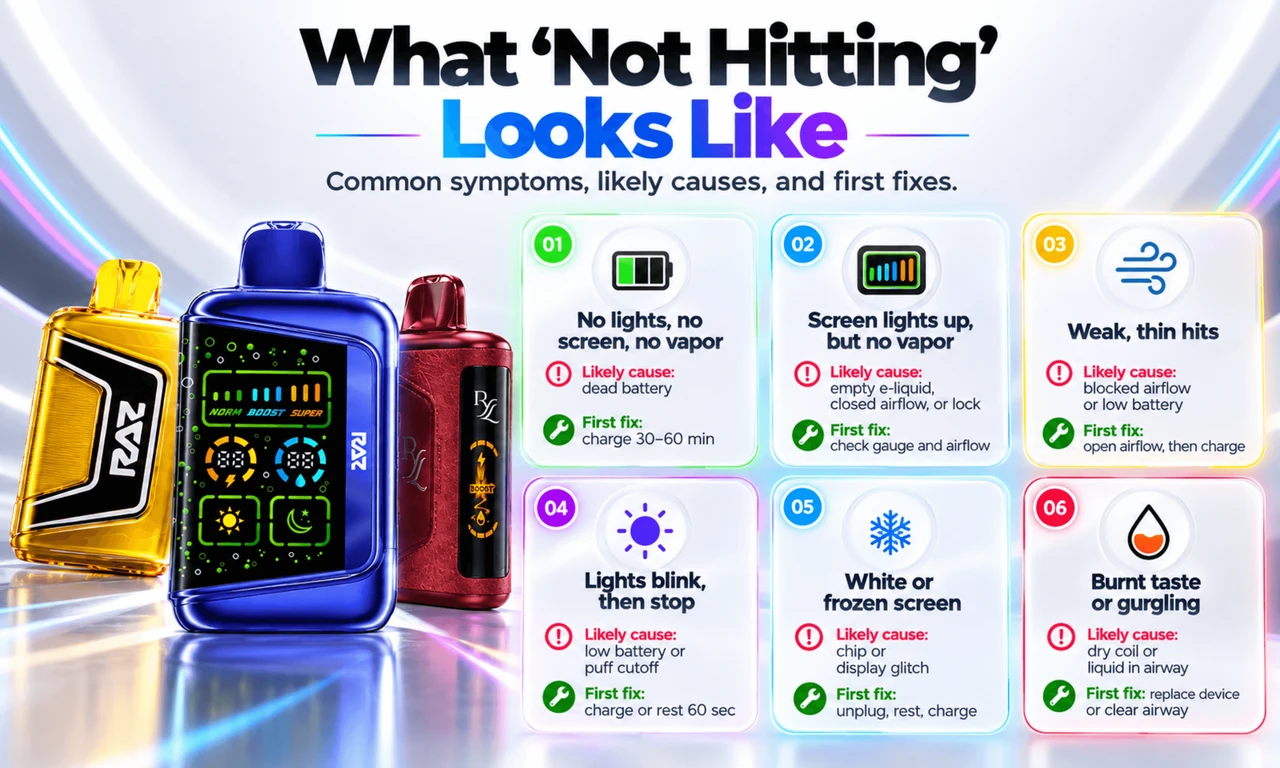
Not every "not hitting" problem is the same. Spotting your symptoms first saves you time.
| What You Notice | Most Likely Cause | First Fix |
|---|---|---|
| No lights, no screen, no vapor | Dead battery | Charge 30 to 60 minutes |
| Screen lights up, but no vapor | Empty e-liquid, closed airflow, or lock | Check e-liquid gauge and airflow |
| Weak, thin hits | Partly blocked airflow or low battery | Open airflow, then charge |
| Lights blink, then stop | Low battery or puff cutoff | Charge, or rest 60 seconds |
| White or frozen screen | Chip or display glitch | Unplug, rest, charge, then retry |
| Burnt taste with little vapor | Dry or worn-out coil | Replace the device |
| Gurgling sound | E-liquid in the airway | Gently tap and blow out the base |
Why Is My RAZ Vape Not Hitting? The 8 Common Causes
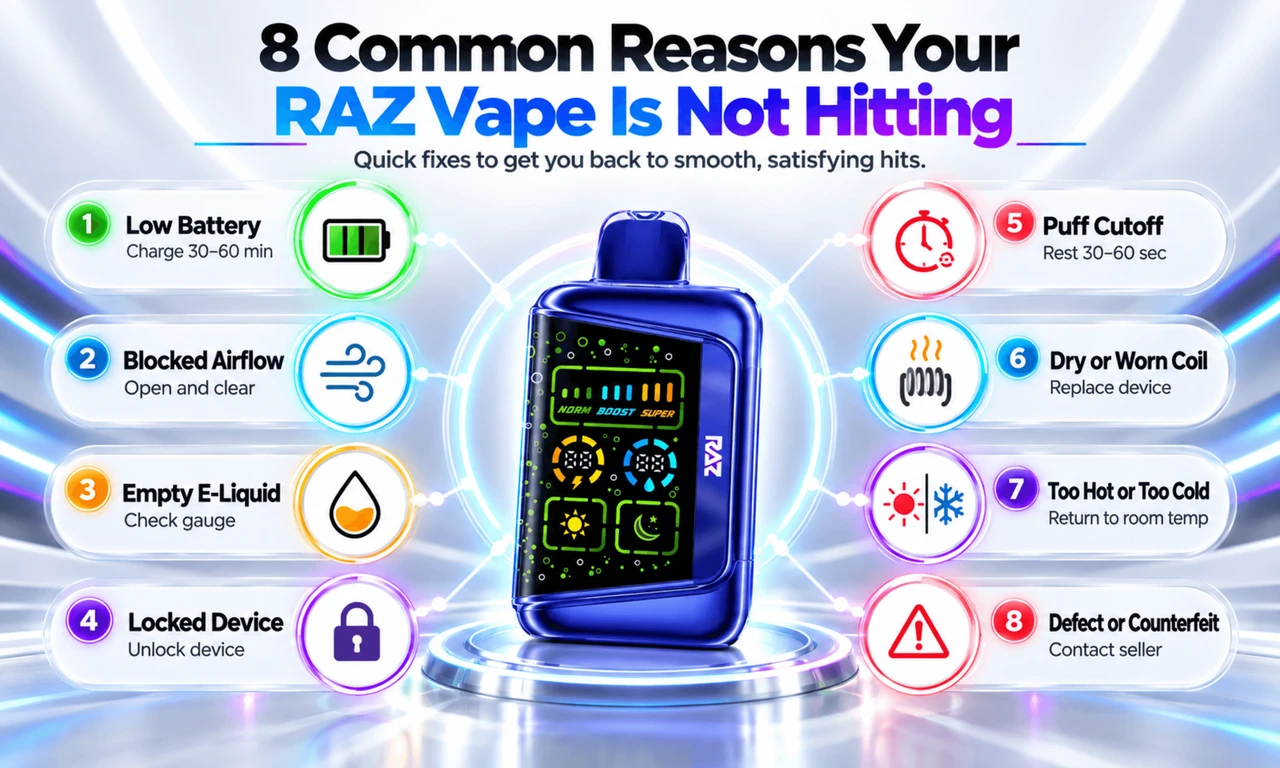
1. The Battery Is Too Low
A drained battery is the number one reason we see. RAZ disposables will not fire when the battery drops too low. Some models blink a few times as a warning. Others simply go dark.
Fix: Plug your RAZ Vape into a USB-C cable and a wall adapter. Charge it for 30 to 60 minutes. Try a puff after 20 to 30 minutes to see if it wakes up.
2. The Airflow Is Closed or Blocked
RAZ vapes use an airflow sensor that fires the coil when you draw. If the airflow is fully closed, the sensor may not feel your pull. Pocket lint, dust, or dried e-liquid can also block the air hole at the base.
Fix: Slide the airflow control to the middle. Gently blow into the bottom air hole to clear debris. You can wipe the openings with a dry cotton swab. Never push anything sharp inside.
3. The E-Liquid Has Run Out
Your battery can be full while the tank is empty. This is the classic "RAZ Vape charged but not hitting" problem. When the e-liquid runs out, the coil has nothing to vaporize. You may taste burning or get almost no vapor.
Fix: Check the e-liquid gauge on the screen. If it reads empty, the device has reached the end of its life. Recharging will not bring it back.
4. The Device Is Locked
Some RAZ models have a lock or child-safety feature. A locked device will not fire, even with a full battery.
Fix: Check your model's instructions for the lock and unlock method. On many button models, pressing the button five times quickly toggles the lock. The screen or light usually confirms the change.
5. The Puff Cutoff Kicked In
Long or back-to-back puffs can trigger an automatic safety cutoff. RAZ vapes often do this after about 10 seconds of continuous draw. The light may blink, and the device pauses.
Fix: Stop and let the device rest for 30 to 60 seconds. Then take a normal puff of about three seconds.
6. The Coil Is Dry or Worn Out
Every disposable coil has a limit. Chain vaping, heavy use of Boost mode, or a nearly empty tank can dry out the coil. The result is weak vapor and a harsh, burnt taste.
Fix: Take slower puffs and give the device breaks. If the burnt taste stays, the coil is done, and the device needs replacing. Our guide on why a RAZ vape tastes burnt covers this in more detail.
7. The Device Got Too Hot or Too Cold
Leaving your vape in a hot car or a freezing garage affects how it performs. Heat can trip the safety cutoff. Cold makes e-liquid thicker, so it wicks slowly and hits weakly.
Fix: Let the device return to room temperature for 15 to 30 minutes before you use it.
8. It Is a Factory Defect or a Counterfeit
Sometimes a brand-new device simply will not work. It happens, though it is rare. Counterfeit RAZ devices from unknown sellers also fail more often.
Fix: Contact the store you bought it from. If you ordered from us, reach out through our Contact Us page and review our Refund Policy. Buying from a trusted store like RAZVapeDirect.com helps you avoid counterfeits.
How to Fix RAZ Vape Not Hitting: Step by Step
If your RAZ Vape is not working and you are not sure which cause fits, follow this order. We put the fastest fixes first.
- Take a slow test draw: Seal your lips around the mouthpiece. Draw gently for about three seconds. Quick, sharp pulls sometimes fail to trigger the sensor.
- Charge with a wall adapter: Use a USB-C cable and a 5V wall plug, not a laptop port or car charger. Wait at least 30 minutes.
- Test your cable: Try a second USB-C cable that you know works on another device.
- Open and clear the airflow: Move the slider to the middle. Blow gently into the base to clear lint.
- Check the lock and mode: Make sure the device is unlocked. If your model has modes, switch back to the standard setting.
- Let it cool down: Rest the device for one minute after heavy use.
- Try a soft reset: Unplug the device and leave it alone for five to ten minutes. Then charge it for 20 more minutes and try again. For model-specific steps, see our guide on how to reset a RAZ vape.
- Check the e-liquid gauge: If it reads empty, the device is finished.
- Contact your seller: If none of the above works on a device with e-liquid left, it may be defective.
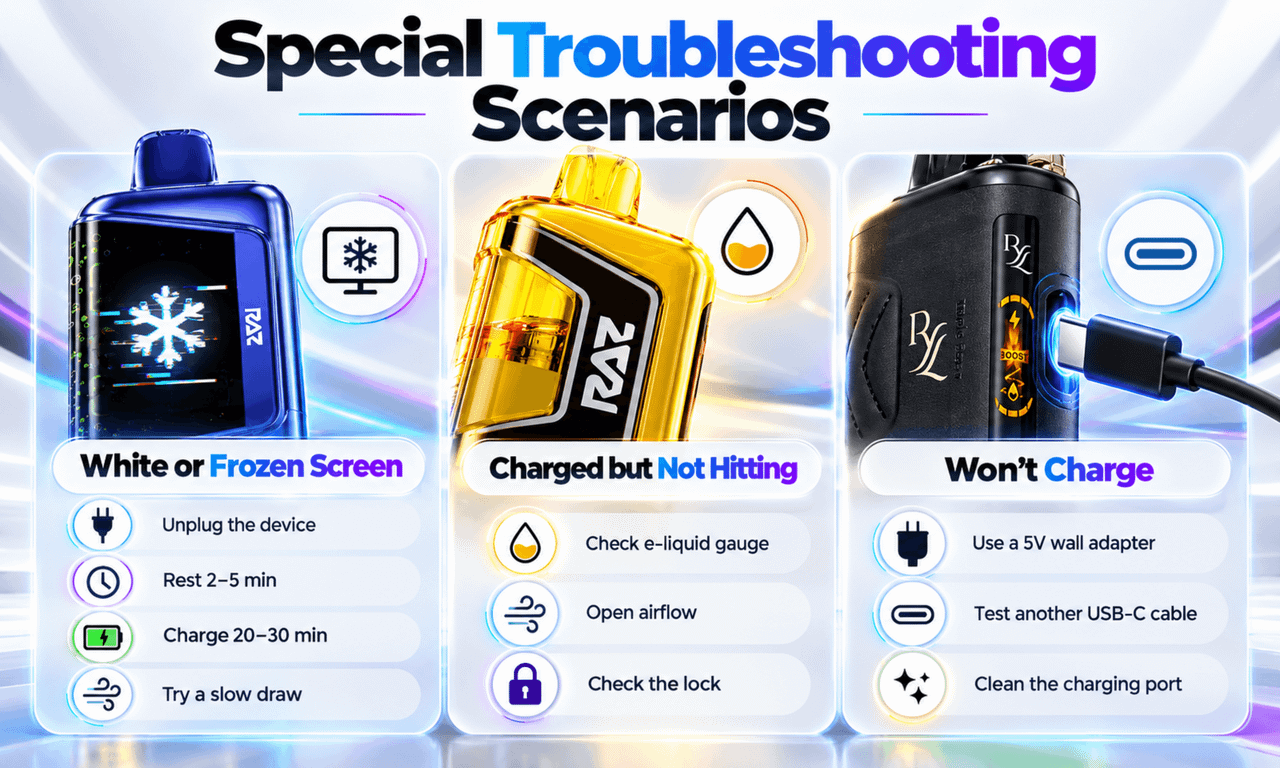
RAZ Vape White Screen Not Hitting
A white screen, blank screen, or frozen display usually points to a small glitch in the device's chip. It can also show up after the device overheats or when the battery is almost fully drained.
Here is how to handle a RAZ Vape white screen not hitting:
- Unplug the device if it is charging.
- Let it rest for two to five minutes at room temperature.
- Charge it for 20 to 30 minutes with a wall adapter.
- Try a slow, gentle draw.
- If your model has a button, try the lock/unlock sequence.
If the screen stays white after charging and resting, stop using the device. Contact the store you bought it from for help.
RAZ Vape Charged but Not Hitting
This one confuses a lot of people. The screen shows a full battery, yet you get nothing. If you have a RAZ Vape not hitting fully charged, check these three things:
- E-liquid gauge: A full battery with an empty tank means the device is used up.
- Airflow: A fully closed slider can stop the sensor from firing.
- Lock: A locked device shows battery life but will not fire.
If all three look fine, try the soft reset above. A full battery with a device that still will not fire after a reset is often a sensor fault.
RAZ Vape Not Charging or Won't Charge
Sometimes the real problem is charging. If your RAZ Vape is not charging, it will never have the power to hit. Many people ask, "Why won't my RAZ Vape charge?" Here are the usual reasons:
- Weak power source: Laptop ports and car chargers often deliver too little power. Use a 5V wall adapter.
- Bad cable: USB-C cables wear out. Try a different one.
- Dirty port: Lint or e-liquid in the charging port blocks the connection. Clear it gently with a dry toothpick or a puff of air.
- Fully drained battery: A deeply drained device may need 15 to 20 minutes on the charger before it shows any sign of life.
If your RAZ Vape won't charge after all of this, check our full guide on RAZ Vape not charging. You can also read how to charge a RAZ vape the right way.
RAZ Vape Stopped Working Suddenly? What Blinking Lights Mean
When a RAZ Vape stopped working all of a sudden, the lights often tell you why. These are the patterns we see most:
| Light Pattern | What It Usually Means | What to Do |
|---|---|---|
| Blinks 3 times | Low battery | Charge 30 to 60 minutes |
| Blinks 10 times | Puff cutoff | Rest 30 to 60 seconds |
| 4 to 5 fast blinks | Connection or pod contact issue | Wipe contacts, reseat pod (VUE 50K) |
| Slow pulse while plugged in | Normal charging | Keep charging |
Blink patterns can vary by model. For a full breakdown, see our guide on why a RAZ vape is blinking.
Troubleshooting by RAZ Model
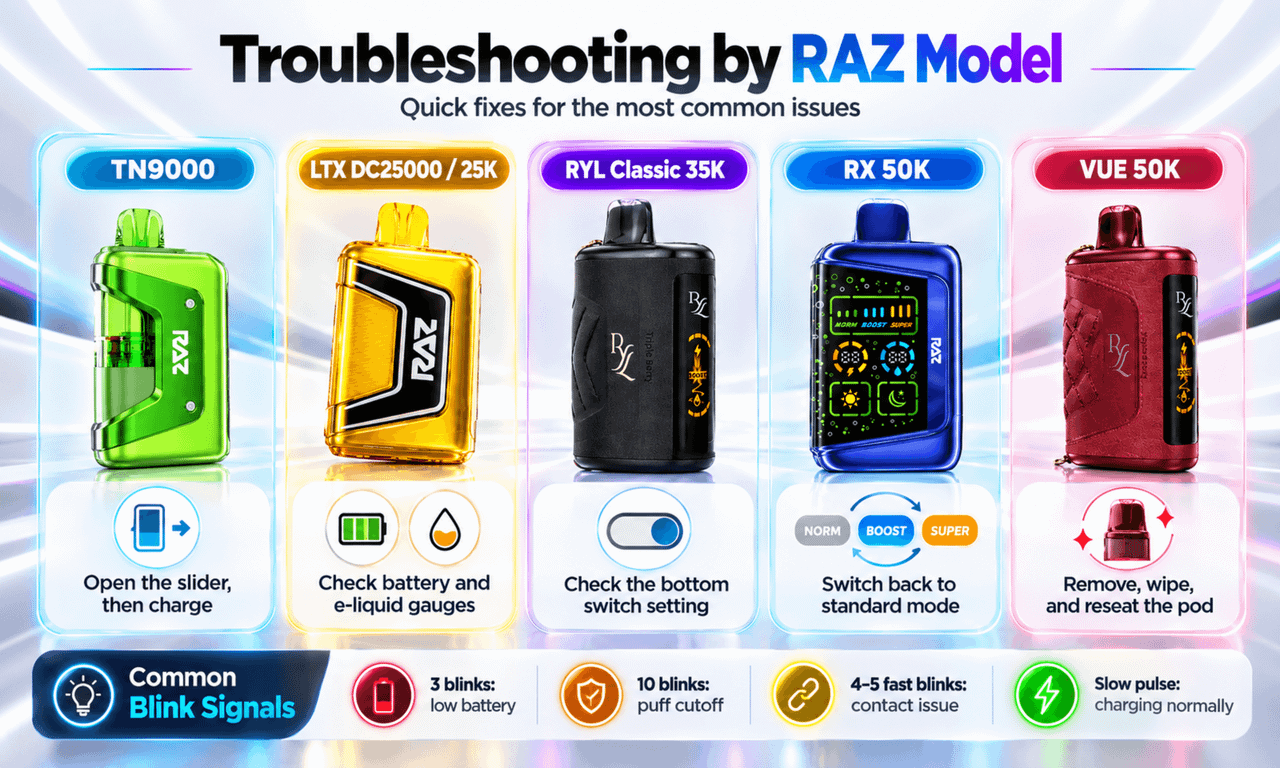
Each RAZ device has its own quirks. Here is what to check first on the models we carry at RAZVapeDirect.com.
| Model | Most Common "Not Hitting" Cause | What to Check First |
|---|---|---|
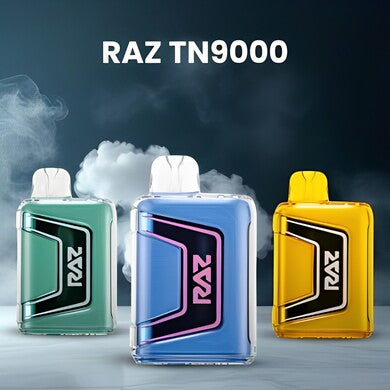
| RAZ TN9000 | Airflow slider closed | Open the slider, charge |
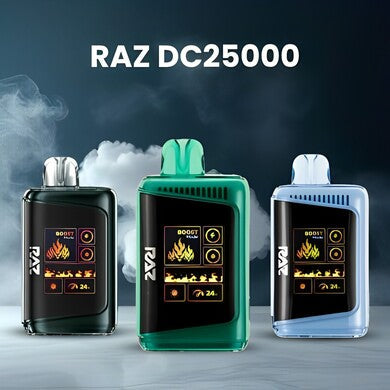
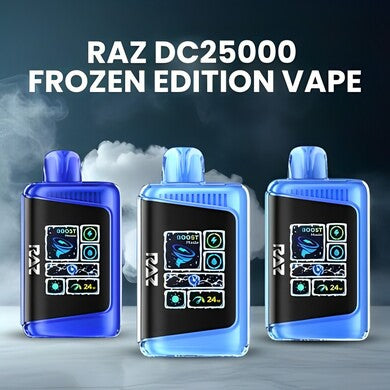
| RAZ LTX DC25000 | Low battery or empty e-liquid | Screen gauges, charge |
| RAZ LTX 25K Gush Edition | Low battery or lock | Screen, lock status |
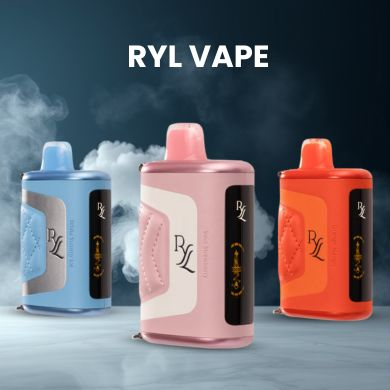
| RYL Vape (Classic 35K) | Bottom switch position | Switch setting, charge |
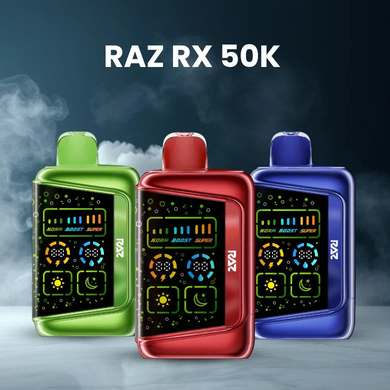
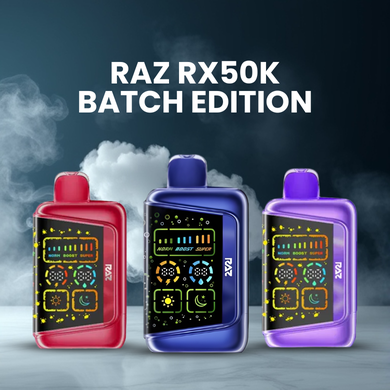
| RAZ RX 50K | Boost mode drain, dry coil | Switch to standard mode |
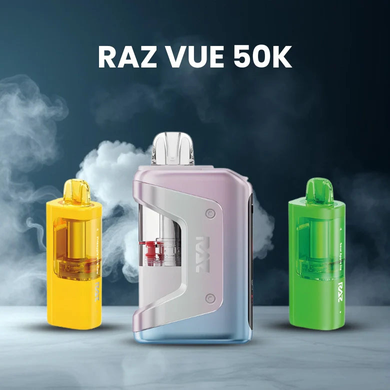
| RAZ VUE 50K | Pod not seated | Remove, wipe, reseat pod |
RAZ TN9000
The TN9000 is a simple device with no screen. Most issues come from a closed airflow slider or a low battery. Slide the airflow open and charge it for 30 minutes.
RAZ LTX DC25000 and LTX 25K Gush Edition
These models have a screen that shows battery and e-liquid levels. That makes them easy to diagnose. If the battery is full and the e-liquid reads empty, the device is done. If both look fine, check the lock and airflow.
RYL Vape (Classic 35K)
Check the switch on the bottom first. If it sits between positions, the device may not fire. Our guide on how to use the RAZ vape switch on the bottom walks you through it.
RAZ RX 50K
The RX 50K offers a stronger mode. Heavy use of that mode drains the battery and wears the coil faster. Switch back to the standard setting and give the device breaks between puffs.
RAZ VUE 50K
The VUE 50K uses a base and a replaceable pod. If the base powers on but you get no vapor, the pod may not be seated well. Remove the pod, wipe the contacts with a dry cloth, and click it back in firmly. If a new pod fixes it, the old one was the problem. You can find replacement RAZ VUE 50K pods in our shop.
Why Is My Brand-New RAZ Vape Not Hitting?
A new device that will not hit is frustrating. Most of the time, it is not broken. Try these first:
- Remove all packaging: Check for stickers, plugs, or film over the mouthpiece or air holes.
- Charge it: Devices can lose some charge while sitting in a warehouse or in shipping.
- Prime the first puff: Take one slow, gentle draw. Wait five seconds, then puff again.
- Check the airflow and lock: Some devices arrive with the airflow closed or the lock on.
If none of these work, contact the seller for help.
How to Keep Your RAZ Vape Hitting Smoothly
A little care helps your device perform well until the last puff.
- Charge with a wall adapter before the battery fully drains.
- Take slow, steady puffs of about three seconds.
- Give the device short breaks during long sessions.
- Store it upright at room temperature.
- Keep it out of hot cars and direct sun.
- Keep the air holes and charging port clean and dry.
- Buy from trusted sellers to avoid counterfeit devices.
When to Replace Your RAZ Vape
Some problems cannot be fixed. It is time to replace your device when:
- The e-liquid gauge reads empty.
- Every puff tastes burnt, even after resting.
- Your RAZ Vape won't charge with a known good cable and wall adapter.
- It leaks badly or has visible damage.
When you are ready for a new one, you can browse the full RAZ Vape lineup at RAZVapeDirect.com. Please recycle used disposables at an approved e-waste or battery drop-off site. Do not throw them in household trash.
Frequently Asked Questions
Why Is My RAZ Vape Not Hitting?
Your RAZ Vape is usually not hitting because of a low battery, closed or blocked airflow, an empty tank, a lock, or a puff cutoff. Charge it for 30 to 60 minutes, open the airflow, and take a slow draw.
How Do I Fix A RAZ Vape That Is Not Hitting?
To fix a RAZ Vape that is not hitting, charge it with a wall adapter, open and clear the airflow, check that it is unlocked, and let it rest for a minute. If it still will not fire, try a soft reset.
Why Is My RAZ Vape Charged But Not Hitting?
A charged RAZ Vape that will not hit usually has an empty e-liquid tank, closed airflow, or an active lock. Check the e-liquid gauge first. If the tank is empty, the device is done.
What Does A White Screen On My RAZ Vape Mean?
A white or frozen screen usually means a small chip glitch. Unplug the device, let it rest for a few minutes, charge it for 20 to 30 minutes, and try again.
Why Won't My RAZ Vape Charge?
Your RAZ Vape usually won't charge because of a weak power source, a worn cable, or a dirty port. Use a 5V wall adapter, try a new USB-C cable, and gently clear the port.
How Long Does It Take To Charge A RAZ Vape?
Most RAZ Vapes need about 30 to 60 minutes to charge. A deeply drained device may take 15 to 20 minutes before it shows any sign of charging.
Can I Reset My RAZ Vape?
Yes, you can try a soft reset. Unplug the device, let it rest for five to ten minutes, and charge it for 20 minutes. Some models also have a button sequence. See our reset guide for details.
Why Is My RAZ Vape Blinking And Not Hitting?
A RAZ Vape blinking and not hitting usually has a low battery or has hit the puff cutoff. Three blinks often mean low battery. Ten blinks often mean you need to rest the device for a minute.
How Do I Know If My RAZ Vape Is Empty?
Your RAZ Vape is likely empty if the e-liquid gauge reads zero, the vapor is very thin, or every puff tastes burnt. Screenless models like the TN9000 show this through weak, harsh hits.
Why Is My RAZ Vape Not Working After I Dropped It?
A hard drop can loosen internal parts or damage the battery. Check for cracks or leaks. If you see damage, stop using it and recycle it safely.
Final Thoughts
A RAZ Vape not hitting is usually an easy fix. Start with the basics: charge it, open the airflow, check the lock, and let it rest. Most devices come right back. If yours is empty or truly faulty, it is time for a fresh one.
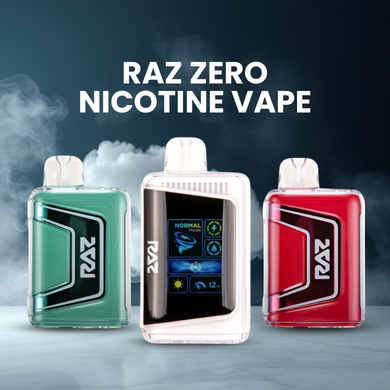
At RAZVapeDirect.com, we stock the full RAZ Vape range, from the RAZ TN9000 to the RAZ RX 50K, plus zero-nicotine options. If you have questions about your order, our team is happy to help.
Want to know more about RAZ Vape devices? Visit our blog section or contact us at support@razvapedirect.com or call (678) 749-3660. Our expert support team is here to help.
WARNING: This product contains nicotine. Nicotine is an addictive chemical. For adults 21 and older only.