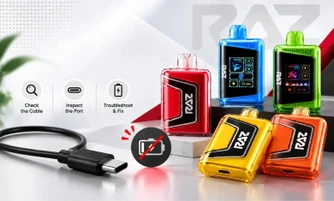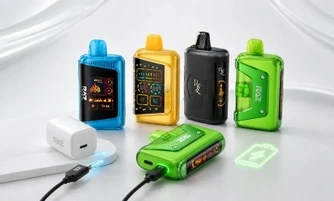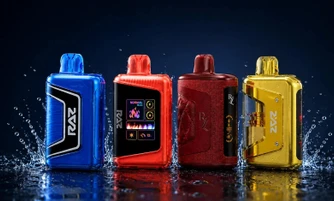

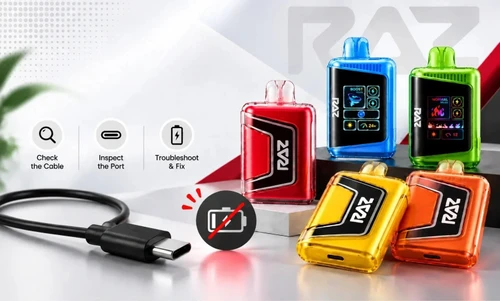
A RAZ vape that is not charging is almost always one of three things: a blocked USB-C port, a failed cable, or a power source that cannot deliver a steady current. Clear the port with a dry cotton swab, switch to a cable you know works, and plug into a standard 5V/1A wall adapter. Most RAZ Vape devices, from the TN9000 to the VUE 50K, respond within a few minutes once the power path is clear.
The fastest way through this is to start with what you can actually see, not with what you think went wrong. Find your symptom below and go straight to that section.
Explore Our Collections

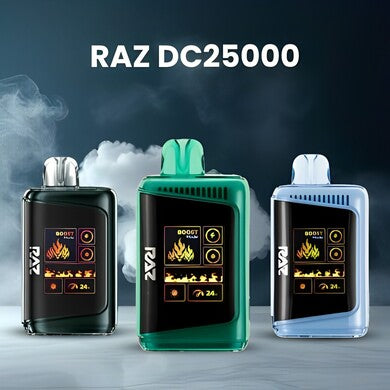

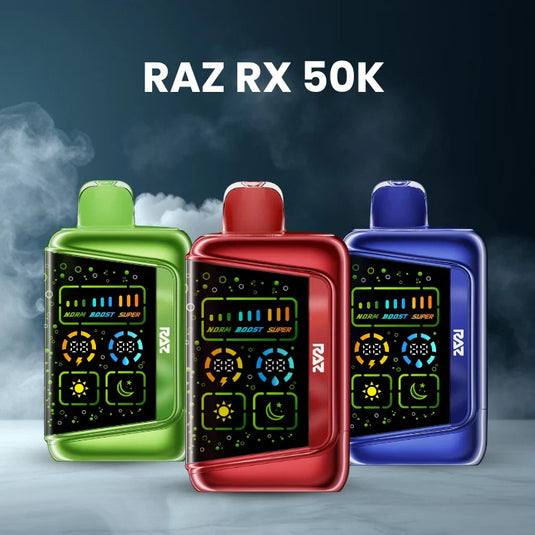
Table of contents
What you're seeing, and where to go
What you're seeing |
Most likely cause |
Go to |
No light at all when plugged in |
Dead cable or a deeply drained cell |
No light at all |
Light is on, but it never reaches full |
Weak power source |
Seven steps in order |
Light flashes, then goes out |
Poor port contact |
What the light means |
Fully charged, but it won't fire |
Airflow, contacts, or e-liquid — not the battery |
Not working after charging |
Charging much slower than usual |
A laptop port or a worn cable |
Seven steps in order |
VUE 50K pod won't wake on a charged base |
Fouled magnetic contacts |
VUE 50K pod and base |
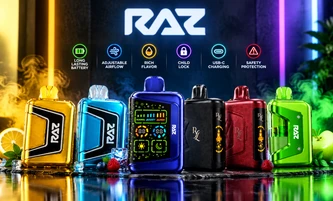
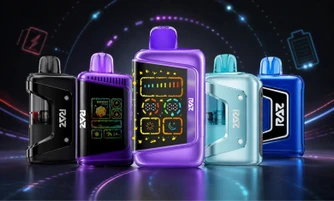
All six current RAZ Vape models are covered here: the TN9000, LTX 25K (formerly the DC25000), LTX 25K Gush Edition, RYL Classic 35K, RX 50K, and VUE 50K.
Why Is My RAZ Vape Not Charging? The Five Real Causes
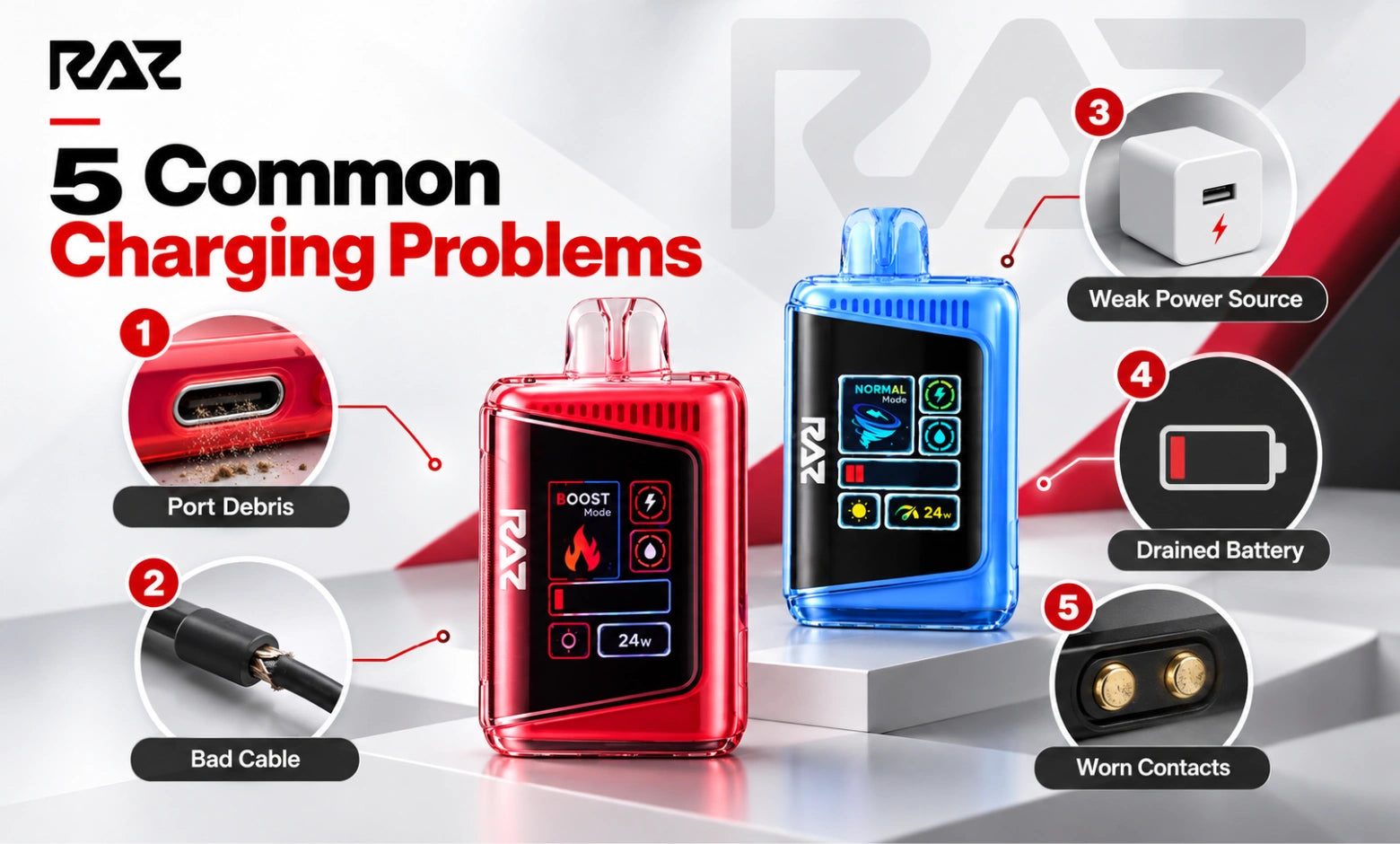
Five things account for nearly every RAZ vape charging failure. They are listed here in the order you are most likely to run into them, which is also the order you should check them.
1. Debris in the charging port: Pocket lint packs into the USB-C port and holds the cable a fraction of a millimeter short of contact. This is the single most common cause, and it is the easiest to fix.
2. A failed cable: USB-C cables fail at the connector end long before they look damaged. A dead cable and a dead device produce identical symptoms, which is why so many working devices get thrown out.
3. A power source that cannot deliver: Laptop ports, older car adapters, and unpowered USB hubs often supply an unstable current. The device may register the connection without drawing a usable charge.
4. A deeply drained cell: A battery that has been sitting empty for days needs several minutes on the cable before any indicator appears. Nothing is wrong. It simply has not woken up yet.
5. Port or contact wear: After months of daily use, a port can loosen enough that the cable only makes contact at one angle. On the VUE 50K, the equivalent problem is film building up on the magnetic contacts.
Cause |
How common |
How you'd know |
Time to fix |
Port debris |
Very common |
Cable feels slightly loose or shallow |
2 minutes |
Failed cable |
Very common |
Same cable fails on another device too |
1 minute |
Weak power source |
Common |
Charges from a wall outlet but not a laptop |
1 minute |
Deeply drained cell |
Common |
No indicator at first, then it appears |
15 minutes |
Port or contact wear |
Less common |
Only charges when you hold the cable at an angle |
5 minutes |
RAZ Vape Not Charging, No Light at All
A RAZ vape not charging with no light showing is usually still working. No indicator means the device is not receiving power, and in most cases, the break is in the cable or the port rather than in the device itself. Work through these four checks in order.
Give it fifteen minutes before you judge it
A cell that has been fully drained for several days will not light up the moment you connect it. It needs to take on a small amount of charge before the indicator or screen responds. Plug it into a wall outlet, leave it alone for fifteen minutes, and check again. This one step saves a large number of devices that would otherwise be replaced.
Confirm the cable actually works
Take the cable you are using and plug a phone or another device into it. If that device does not charge either, you have found the problem, and your RAZ vape is fine. If you do not have a second cable on hand, borrow one before you draw any conclusion about the vape.
Clear the port properly
Look into the USB-C port under a bright light. Lint compresses into a flat gray pad at the bottom and is easy to miss. Use a dry cotton swab or a wooden toothpick and lift the debris out rather than pushing it deeper. Do not use water, and do not use compressed air. Do not disassemble the device. If the device has been exposed to moisture, our guide to whether RAZ vapes are waterproof covers what the port can and cannot tolerate.
Change the power source
Move to a standard 5V/1A wall adapter plugged directly into an outlet. If that does nothing, try a different outlet, then a laptop port. A wall adapter delivers a steadier current than a laptop or a car socket, so it is the fairest test of whether the device will charge at all.
How to Fix a RAZ Vape That Won't Charge: Seven Steps in Order
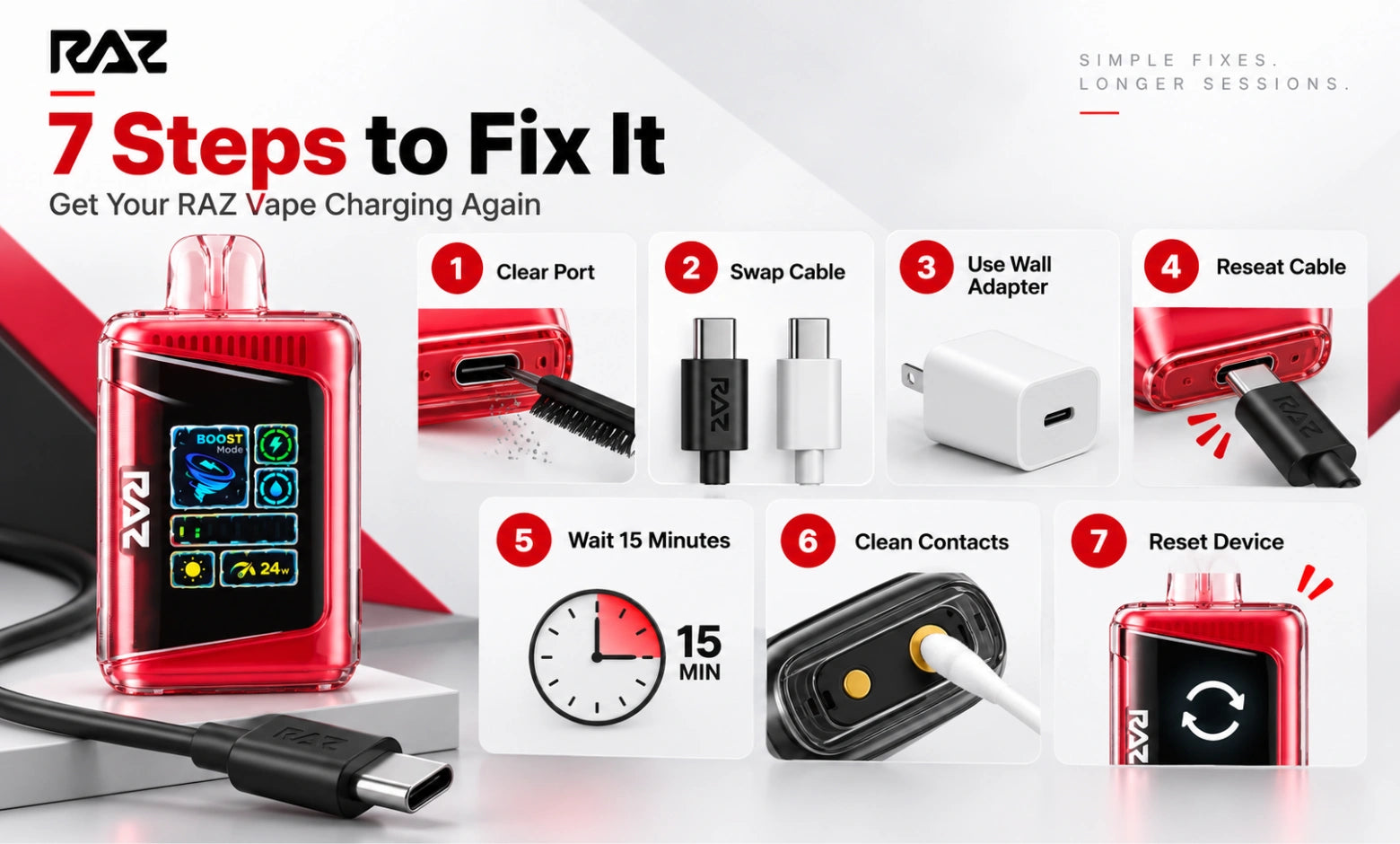
Run these in sequence. Each step takes a minute or two, and they are ordered by how often they turn out to be the answer. Stop as soon as the indicator comes on.
Step 1: Inspect and clear the charging port: Hold the base of the device toward a light and look inside the USB-C port. Lift out any lint with a dry cotton swab or wooden toothpick. You should be able to see the metal contact strip clearly when you are done.
Step 2: Swap in a cable you know works: Use a USB-C cable you have just confirmed on another device. Cheap cables and cables that have been coiled tightly in a bag fail at the connector first. The cable should slide in with a firm, even click.
Step 3: Move to a 5V/1A wall adapter: Plug directly into a wall outlet rather than a laptop, a monitor, or a car socket. A standard phone adapter is ideal. A high-output fast charger will not fill the device any quicker, because a RAZ Vape device negotiates its own draw rate.
Step 4: Reseat the connection and check the angle: Push the cable all the way in until it seats. Then let go of it. If charging stops the moment you release the cable, the port has worn and is only making contact under pressure. Note that and move to Step 5.
Step 5: Leave it on the cable for a long time: Give a device that shows nothing a full fifteen to twenty minutes before you judge it. Deeply drained cells wake up slowly, and the indicator can stay dark for several minutes after the charge has actually started.
Step 6: Check the magnetic contacts (VUE 50K only): If you are using a RAZ VUE 50K, separate the pod from the battery base and wipe both contact surfaces with a dry cloth. A thin film on those contacts stops the pod from drawing from a base that is charging perfectly well.
Step 7: Run a soft reset: If the device takes a charge but still behaves oddly, a soft reset clears the fault state. The full model-by-model sequences are in our RAZ vape reset guide; follow the steps for your model there.
What the Light Is Telling You While It's Plugged In
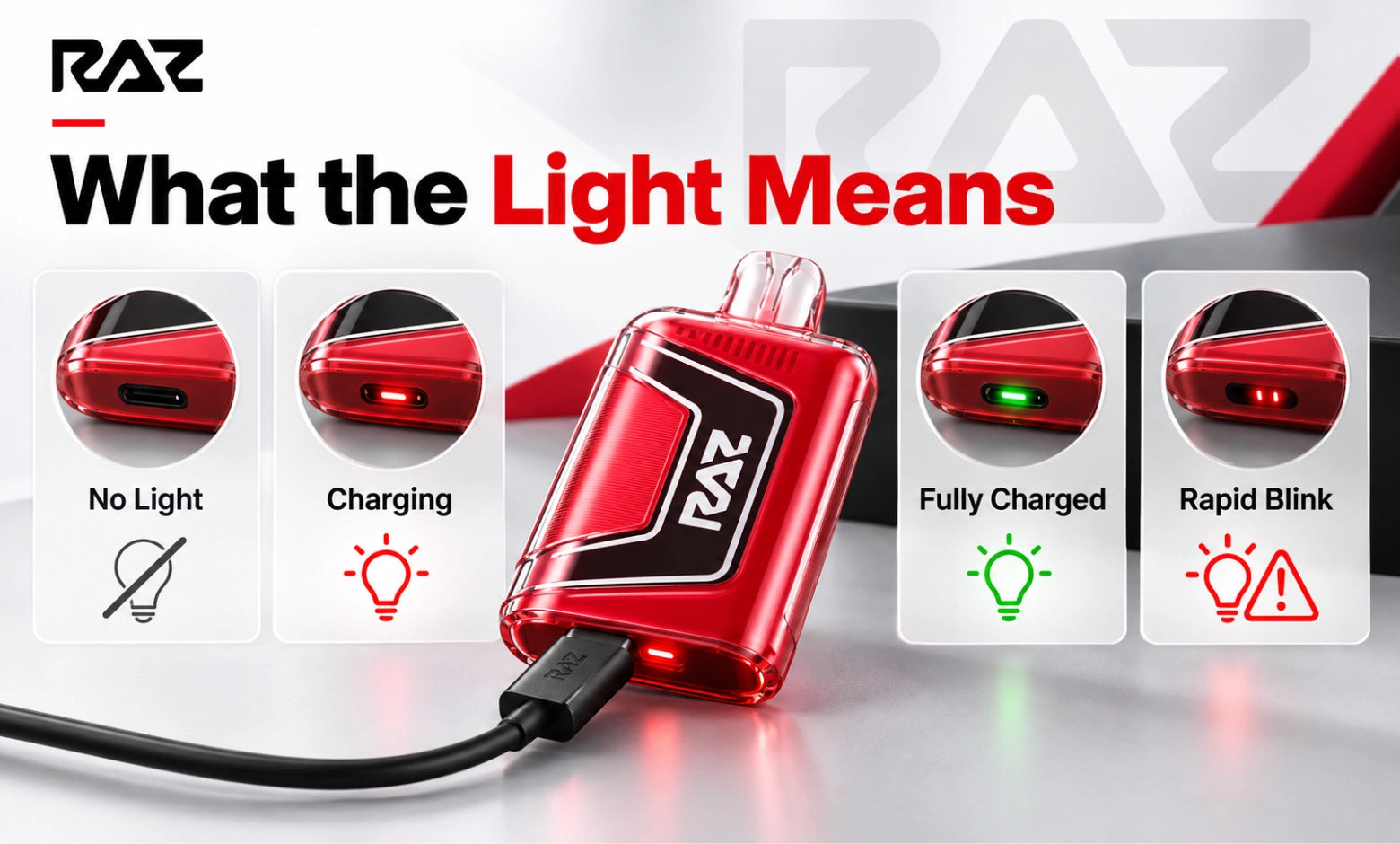
The indicator is reporting a charge state, and several of the patterns that look alarming are completely routine. Use this table to tell the difference before you start troubleshooting.
What you see while plugged in |
Model type |
Normal or fault? |
What to do |
Solid red or amber |
LED models |
Normal |
Charging. Leave it connected. |
Solid green |
LED models |
Normal |
Charge is complete. Unplug it. |
Slow, steady blink |
LED models |
Normal |
Charge in progress on some units. Leave it. |
Rapid blinking |
Either |
Fault |
Unplug, clear the port, swap the cable, reconnect. |
Light on, then off within a second |
Either |
Fault |
Port contact. Reseat the cable and check the angle. |
No light at all |
Either |
Usually not a fault |
Wait fifteen minutes, then test the cable. |
Battery bar animating on screen |
Screen models |
Normal |
Charging. Leave it connected. |
Screen stays dark while plugged in |
Screen models |
Fault |
Treat it as a no-light case and start above. |
Only the RAZ TN9000 uses an LED indicator on its own. The LTX 25K, LTX 25K Gush Edition, RYL Classic 35K, RX 50K, and VUE 50K all show charge state on screen. For a full breakdown of what every icon on that display means, see our complete RAZ vape user guide.
If your device is blinking when it is not plugged in, that is a different set of codes entirely. Our guide to why your RAZ vape is blinking breaks down every blink pattern by count and color.
Why Is My RAZ Vape Not Working After Charging?
A RAZ vape not working after charging is not a charging problem. A full battery rules out the most common cause, which means the fault is in airflow, contacts, or e-liquid delivery instead. Check these four things in order.
RAZ vape not turning on after charging
Start with the airflow slider on the base of the device. If it has been pushed fully closed in a pocket or a bag, the draw sensor will not trigger, and the device will read as dead even on a full charge. Open the slider halfway and try a gentle, steady draw. RAZ Vape devices are draw-activated, so a short, sharp puff often will not register at all. If you are not sure which position is open, our guide to the switch on the bottom of your RAZ vape shows exactly how it works.
It powers on, but won't hit
The screen lights and the battery reads full, but nothing comes through. Nine times out of ten, this is the airflow path. Check the slider position again, then look at the mouthpiece for anything blocking it. A firm, slow draw of two to three seconds tells you more than several quick ones. If you do get vapor, but it tastes scorched, that is a separate issue covered in Why Your RAZ vape tastes burnt.
It charged, then died within an hour
Either the charge was never actually completed, or the cell is no longer holding one. Run one full cycle on a wall adapter, watching for the indicator or on-screen bar to reach full, rather than unplugging early. If it drains again within an hour of a confirmed full charge, the cell has reached the end of its usable life. Our breakdown of how long RAZ vapes last sets out what a normal run time looks like on each model, so you can tell early failure from expected wear.
The screen lights, but nothing comes out
Check the e-liquid indicator on the screen first. A device that is out of e-liquid will still power on, still show a full battery, and still produce nothing at all. On refillable models, our refill guide walks through topping it up. If the indicator shows liquid remaining and the airflow is open, our blinking guide covers the error codes that point to a contact fault.
RAZ VUE 50K Not Charging: the Pod and the Base
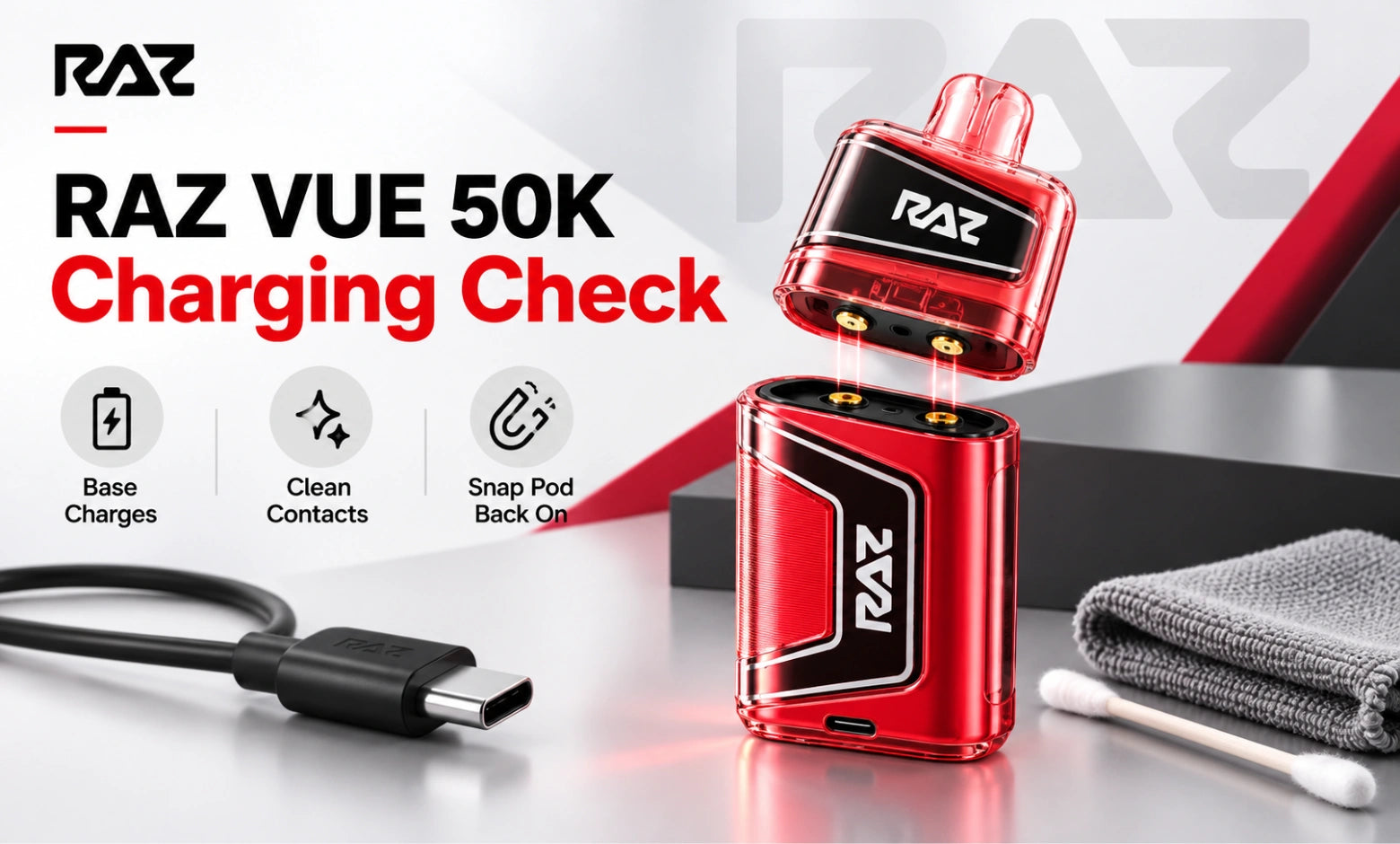
The VUE 50K is two separate objects, and almost every charging question about it comes from not knowing that. The battery base holds the cell and the USB-C port. The pod holds the e-liquid and attaches magnetically on top. The base charges. The pod does not, and it has no port and no cell of its own.
That gives you three different situations:
The base won't take a charge: Treat it exactly like any other model. Clear the USB-C port on the base, swap the cable, and move to a wall adapter.
The pod won't wake on a charged base: The base is fine, and the problem is at the join. Go to the contacts below.
A new pod does nothing on a working base: Seat it again firmly. The magnets should pull it into position with a clear snap. If you need a fresh one, VUE 50K replacement pods are sold separately from the full kits.
Cleaning the magnetic contacts
Pull the pod straight off the base. You will see a small metal contact pad on the underside of the pod and a matching set on the base. Wipe both with a dry cloth or a dry cotton swab until they are clean and bright. Do not use water, and do not use compressed air. Reattach the pod and let the magnets pull it into place on their own.
Charging Behavior That Isn't Actually a Fault
Several things look like failures and are simply how the hardware operates. Before you troubleshoot further, check whether what you are seeing is on this list.
The indicator goes dark once the charge completes: On several models, the light turns off rather than turning green. A dark indicator after a full cycle means it finished, not that it stopped.
Charging takes noticeably longer from a laptop: Laptop and monitor USB ports supply less current than a wall adapter. The same device can take twice as long on the same cable.
The device feels mildly warm during a charge cycle: Mild warmth while charging is normal operating behavior for a lithium cell and is not an indication of a fault.
No light appears in the first few minutes on an empty device: A deeply drained cell takes on a small amount of charge before the indicator responds.
A full bar drops quickly during the first session after a long charge: The first few percent of indicated charge often reads high after the device has been sitting. It settles over the next cycle.
When to Stop Troubleshooting
If you have cleared the port, tested a known-good cable, used a wall adapter, and given the device a long window with no response at all, the device itself has failed, and no further troubleshooting can recover it.
Model |
Port |
Most common charging fault |
Model-specific check |
USB-C on the base |
Port debris |
LED only — no on-screen charge readout |
|
USB-C on the base |
Failed cable |
Confirm the battery bar is animating |
|
USB-C on the base |
Port debris |
Same screen behavior as the standard LTX 25K |
|
USB-C on the base |
Weak power source |
Check the screen wakes on connection |
|
USB-C on the base |
Port debris |
Mode setting affects how fast you return to the charger |
|
USB-C on the battery base |
Magnetic contacts |
The pod never charges — only the base does |
If the device was recently purchased, contact the store you bought it from. If you ordered from RAZVapeDirect.com, email support@razvapedirect.com or call (256) 769-1976 with your order number and a short description of what the device does when you plug it in.
Defective return and exchange requests need to be submitted within 7 days of delivery. Return authorization is required before you send anything back, and requests are typically processed within 1–2 business days. The full terms are in our refund policy.
Frequently Asked Questions
Why is my RAZ vape not charging?
A blocked USB-C port, a failed cable, or a weak power source causes nearly every case. Clear the port with a dry cotton swab, switch to a cable you have confirmed works on another device, and plug into a 5V/1A wall adapter rather than a laptop.
Why is there no light when I plug my RAZ vape in?
No light usually means no power is reaching the device, not that the device is dead. Test your cable on a phone first. If the cable works, clear the port and leave the vape on a wall adapter for fifteen minutes before you judge it.
How long should I leave a dead RAZ vape charging before giving up?
Give it twenty minutes on a wall adapter. A deeply drained cell can show no indicator at all for the first several minutes, then wake up normally. If there is still no light or screen response after twenty minutes, the device has failed.
Can a bad cable make a RAZ vape look dead?
Yes, and it is one of the most common reasons a working device gets thrown out. A failed USB-C cable produces exactly the same symptom as a dead battery: no light, no screen, no response. Always test the cable on another device first.
How do I clean a RAZ vape charging port?
Use a dry cotton swab or a wooden toothpick and lift the lint out rather than pushing it in. Work under a bright light until you can see the metal contact strip clearly. Do not use water, do not use compressed air, and do not disassemble the device.
Why is my RAZ vape charging so slowly?
You are most likely charging from a laptop, a monitor, or a car socket, all of which supply less current than a wall outlet. A partly failed cable or a lint-filled port will also slow charging. Move to a 5V/1A wall adapter and compare.
Why is my RAZ vape not working after charging?
A full battery rules out a charging fault, so the problem is airflow, contacts, or e-liquid. Open the airflow slider on the base, take a slow two-to-three-second draw, and check the on-screen e-liquid indicator before assuming the device has failed.
Why won't my RAZ vape turn on after charging?
RAZ Vape devices are draw-activated, so a closed airflow slider makes a fully charged device read as dead. Open the slider halfway and draw gently and steadily. A short, sharp puff often will not trigger the sensor on any model.
Can a RAZ vape battery stop holding a charge?
Yes. After repeated cycles, a cell will charge to full and then drain much faster than it used to. If your device reaches a confirmed full charge and empties within an hour, the cell has reached the end of its usable life and cannot be restored.
Why is my RAZ VUE 50K pod not working on a charged base?
The pod has no battery and draws entirely through the magnetic contacts, so a thin film on either surface stops it from working. Pull the pod off, wipe the contact pad on the pod and the base with a dry cloth, and reattach it firmly.
Does resetting a RAZ vape fix a charging problem?
Rarely on its own. A reset clears a fault state on a device that is already taking a charge, but it cannot fix a blocked port, a failed cable, or a weak power source. Work through those three first, then reset if the behavior persists.